BOOKFINDER
FIELD INTERFACE DESIGN
ROLE CONCEPT, RESEARCH, VISUAL DESIGN, USER-TESTING
COLLABORATOR RON MANDIC, LUCA PALANGA, VICTOR BLAGA & ME
DURATION THREE MONTHS
LOCATION & YEAR SCHWÄBISCH GMÜND, 2025
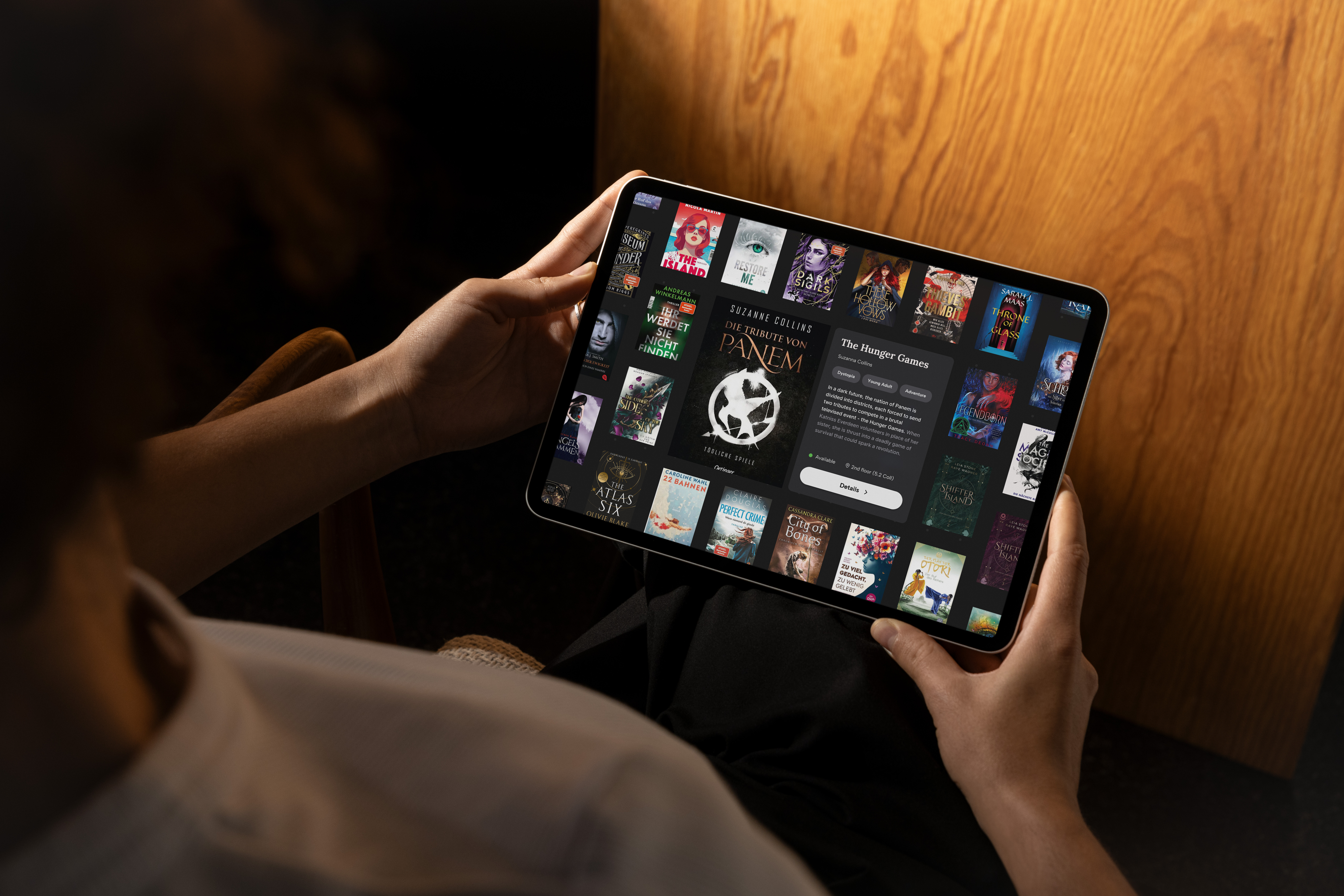
BookFinder is an interactive tablet application for libraries that helps users discover books tailored to their interests. By scanning a book, users receive personalized recommendations for similar titles, which can be further refined using filters. Each tapped book shifts the focus, creating a dynamic, individualized journey of discovery.
Problem
Libraries offer a vast selection, yet young readers in particular often struggle to find books that suit them. Traditional search functions are text-based and rarely inviting. While browsing the shelves analogously remains haptically rewarding, it is time-consuming and does not always yield relevant results. What is missing is a low-threshold, visually appealing way to explore books and playfully incorporate personal preferences.



Concept
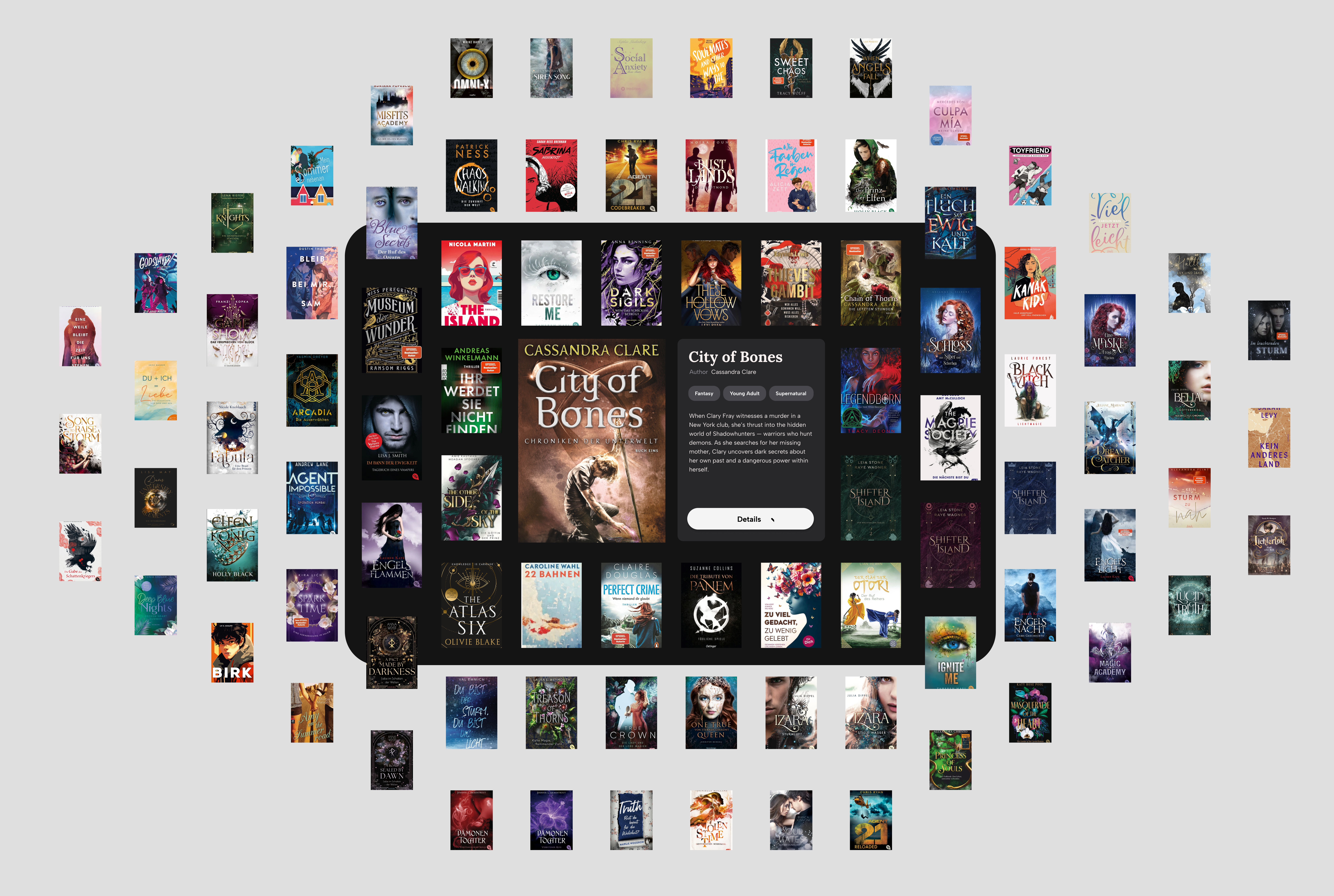
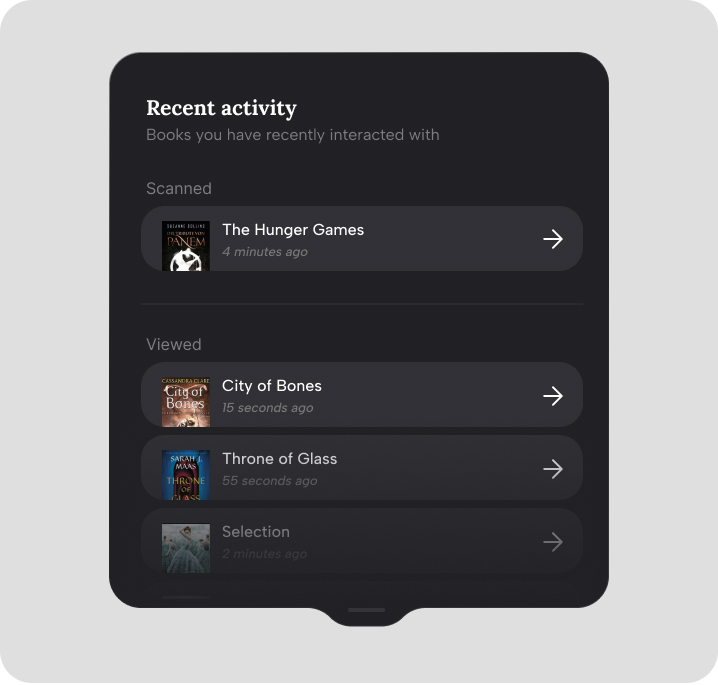
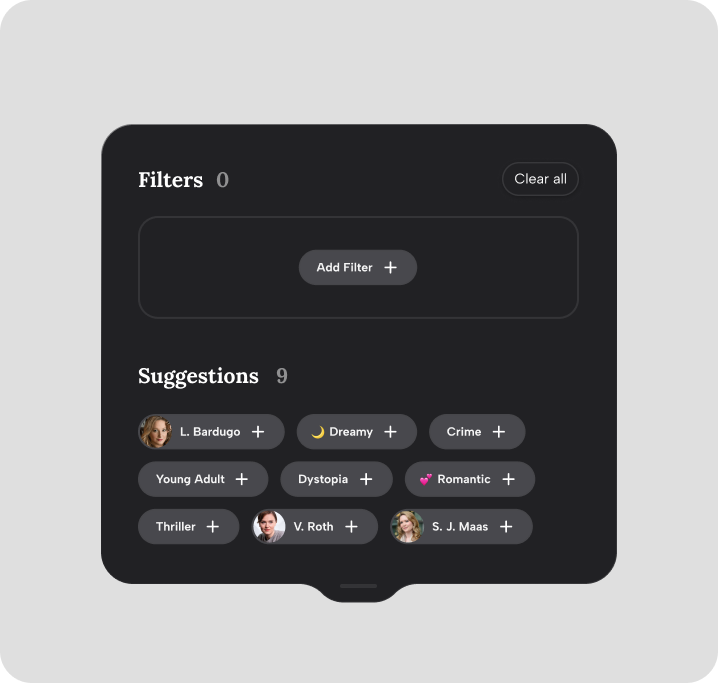
BookFinder introduces interactive discovery stations for libraries that turn any scanned book into a starting point for exploration. Users scan a book cover at a tablet station or search manually, prompting the system to generate a visually rich, personalized recommendation grid. Results can be filtered by genre, author, or mood, allowing users to narrow down recommendations. Each tapped book becomes a new reference point, shifting the focus within the grid and enabling a dynamic, non-linear search journey. A detail view provides enriched additional information about the selected book, completing the exploratory navigation flow.

Interaction
Interaction is built around scanning, tapping, and filtering. The scanned book acts as a haptic trigger, while the canvas-like interface encourages free exploration. Every interaction updates the focus, making the journey feel responsive and individual.
Visual Design
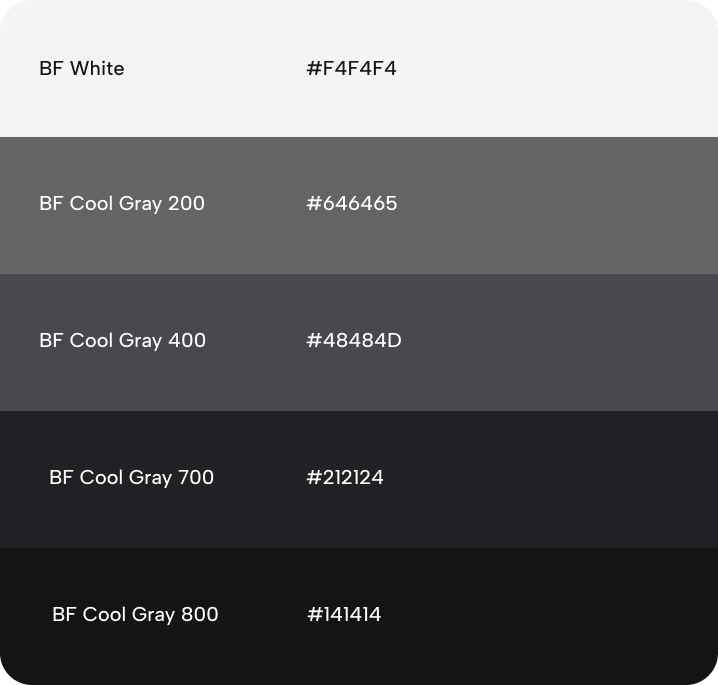
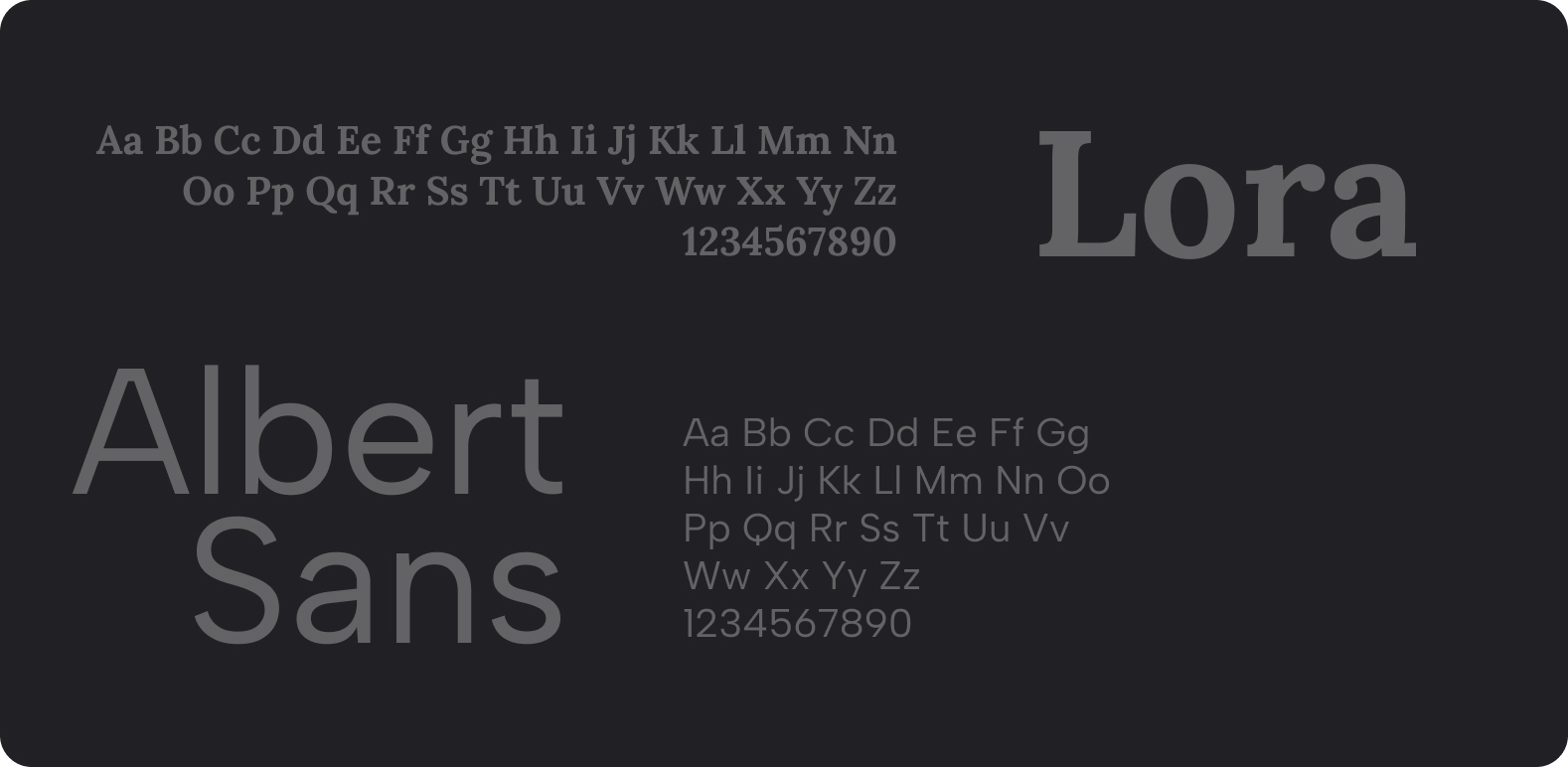
The interface went through extensive iteration to arrive at a visual system that carefully balances an unobtrusive and discrete UI with providing all necessary information. It uses a clean, accessible grid layout optimized for public spaces, ensuring clarity and ease of use even in busy environments. Visual storyboards, mood word clouds, and contextual “Read me if…” prompts make content quickly graspable for visually oriented, younger audiences.


Validation
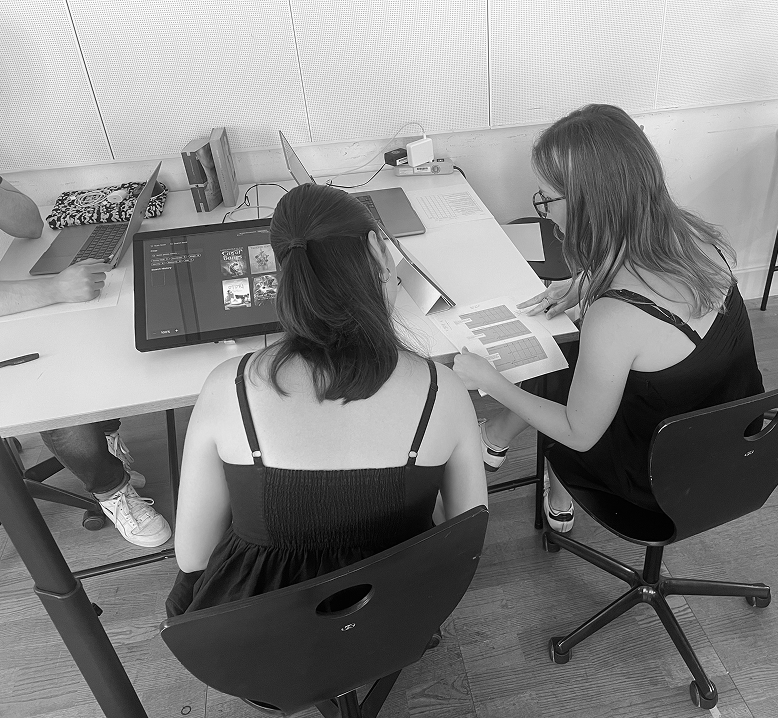
We tested our prototype in a library setting, observing how users interacted with the discovery station during real-world browsing sessions. The results highlighted the importance of visual elements: interactions were consistently rated more positively when book covers, storyboards, or mood-based cues were prominently featured. Users also expressed a clear preference for control over information depth, favoring progressive disclosure over text-heavy layouts. Direct, context-sensitive prompts such as “Read me if…” were universally appreciated for making content feel more approachable and personalized. Overall, participants valued the balance between open-ended browsing and the ability to quickly narrow results using clear, intuitive filters.
Reflection
BookFinder lowers barriers to book discovery, especially for young readers. It extends analog browsing with digital enrichment, turning the library into an inspiring space for personal reading adventures.
Isabell Kaletka
© 2022 - 2026
All Rights Reserved
isabell.kaletka@icloud.com
LinkedIn